
01 · Story
Start with a scene.
Turn a feeling into a comic moment with a ready-to-build romance scene.
A playful way to make comics
MyComics Studio gives you a simple canvas for building manga, webtoon, and comic scenes with text, bubbles, frames, filters, and more.

Your next scene starts here.
The creative desk
Build a scene without getting lost in menus. Explore the four creative views below and shape a story your way.
Turn a feeling into a comic moment with a ready-to-build romance scene.
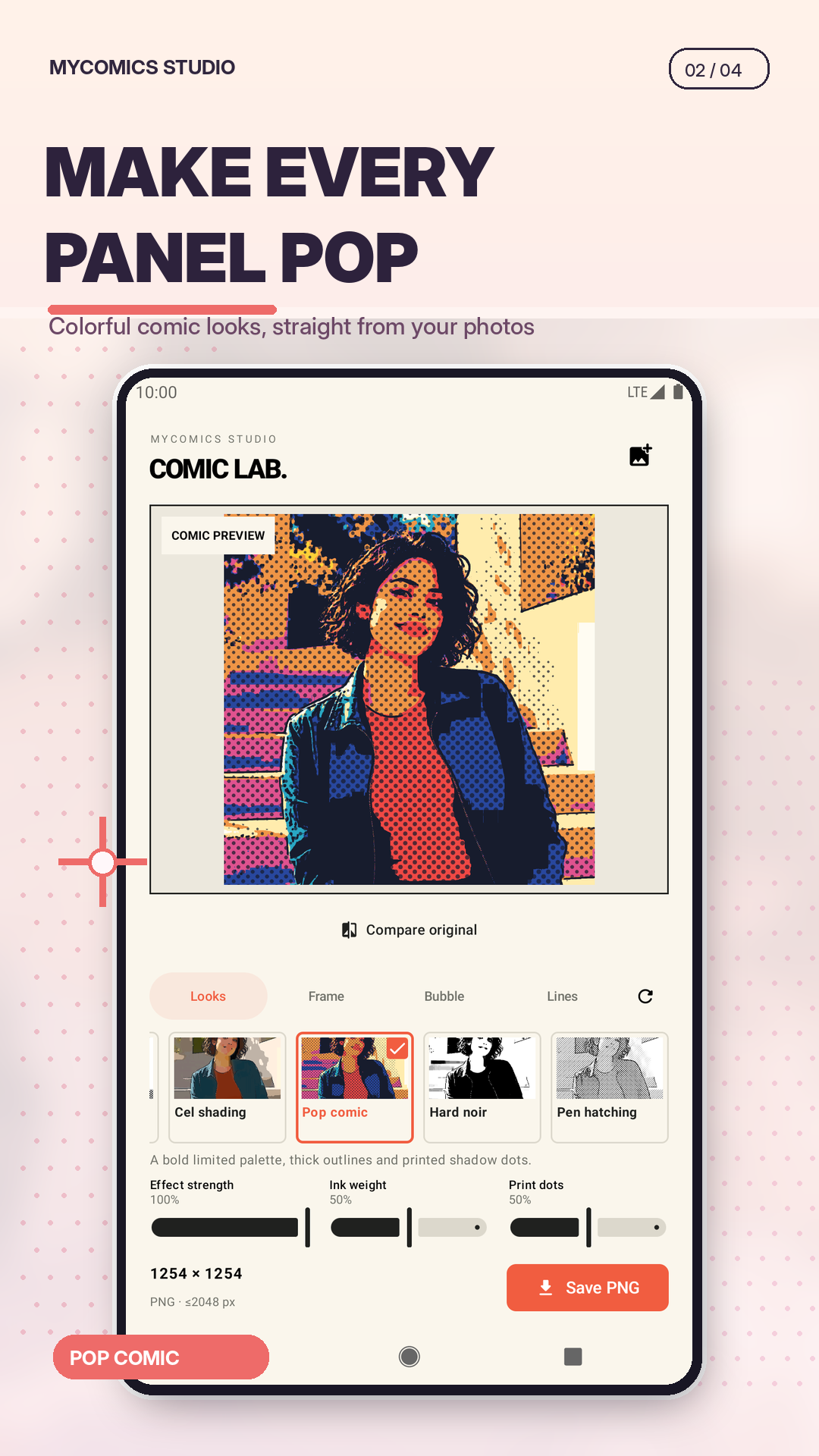
Move from pop color to manga ink and give every panel its own mood.
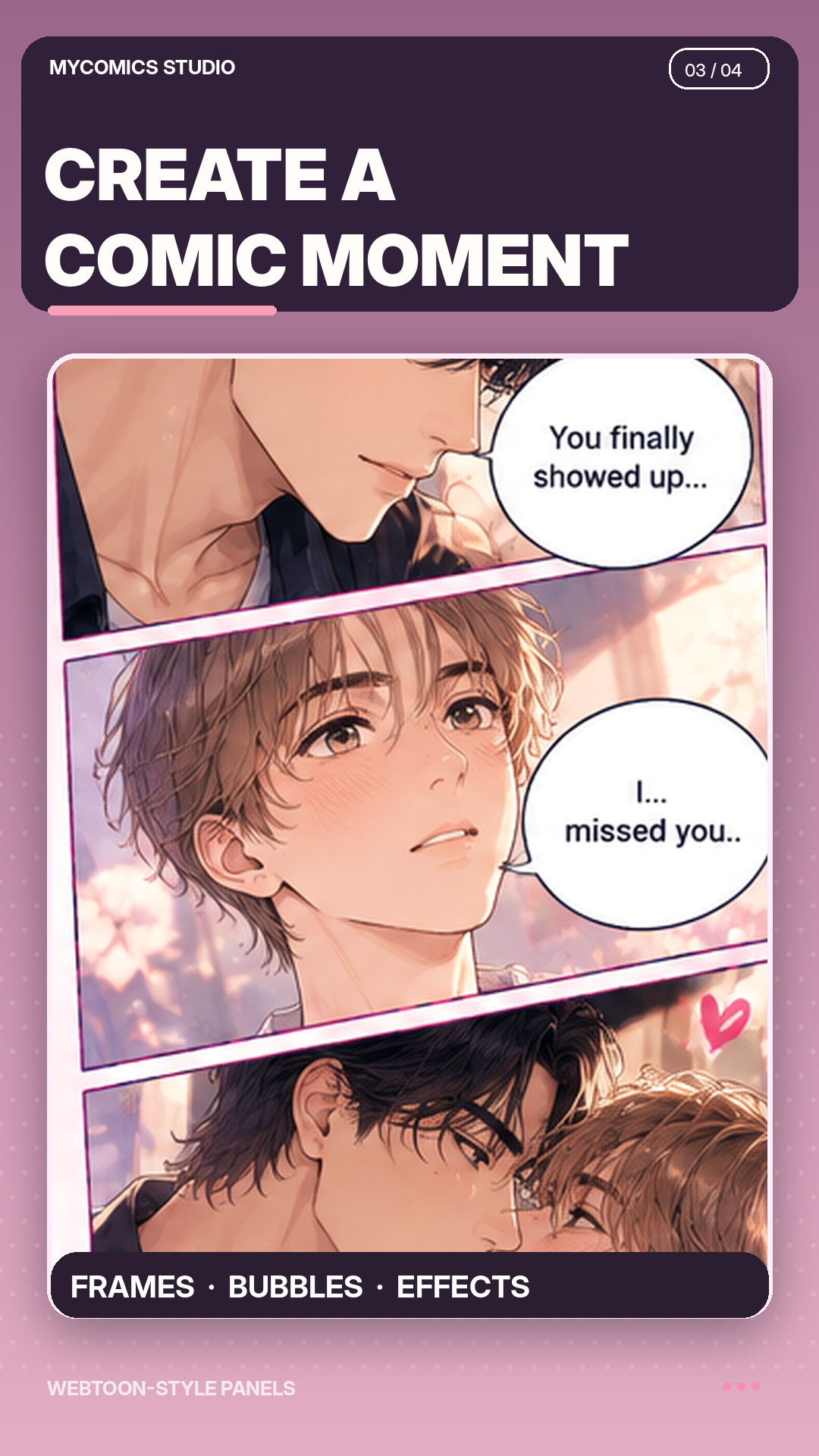
Arrange webtoon panels and guide the reader from one beat to the next.
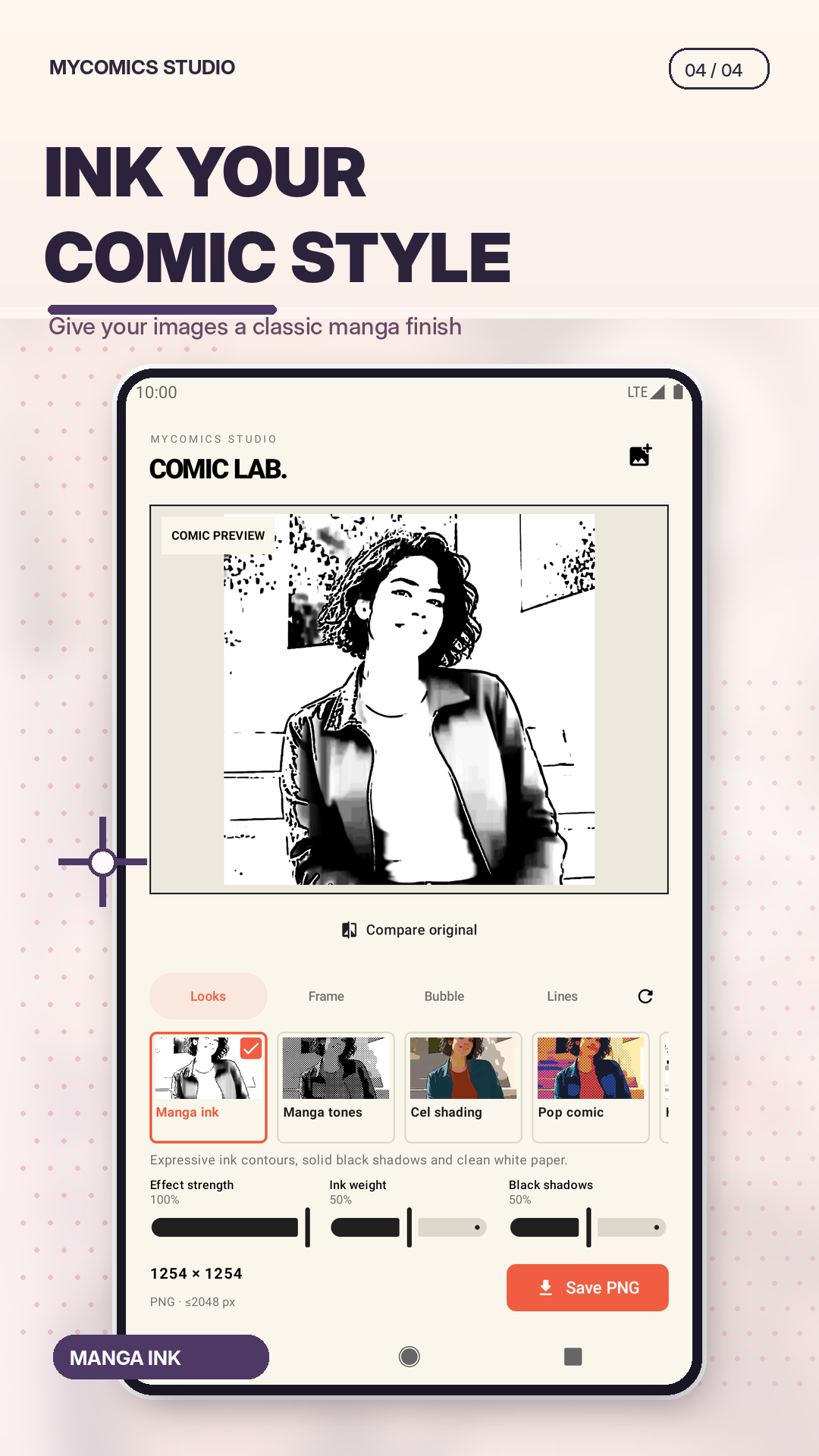
Refine manga-style lines and finishing touches until the page feels complete.
A simple rhythm
Pick a romance, action, or drama idea and give it a first frame.
Try manga ink, cel shading, pop color, and other visual directions.
Add panels, text, bubbles, and details until the story feels complete.
Keep your eye on the story
MyComics Studio keeps the creative controls close, so you can focus on the characters, the mood, and the moment.
Talk to the team